If you experience an issue or have a suggestion, contact Jock Huang:
jockhuang@gmail.comHow do I drive and look around?
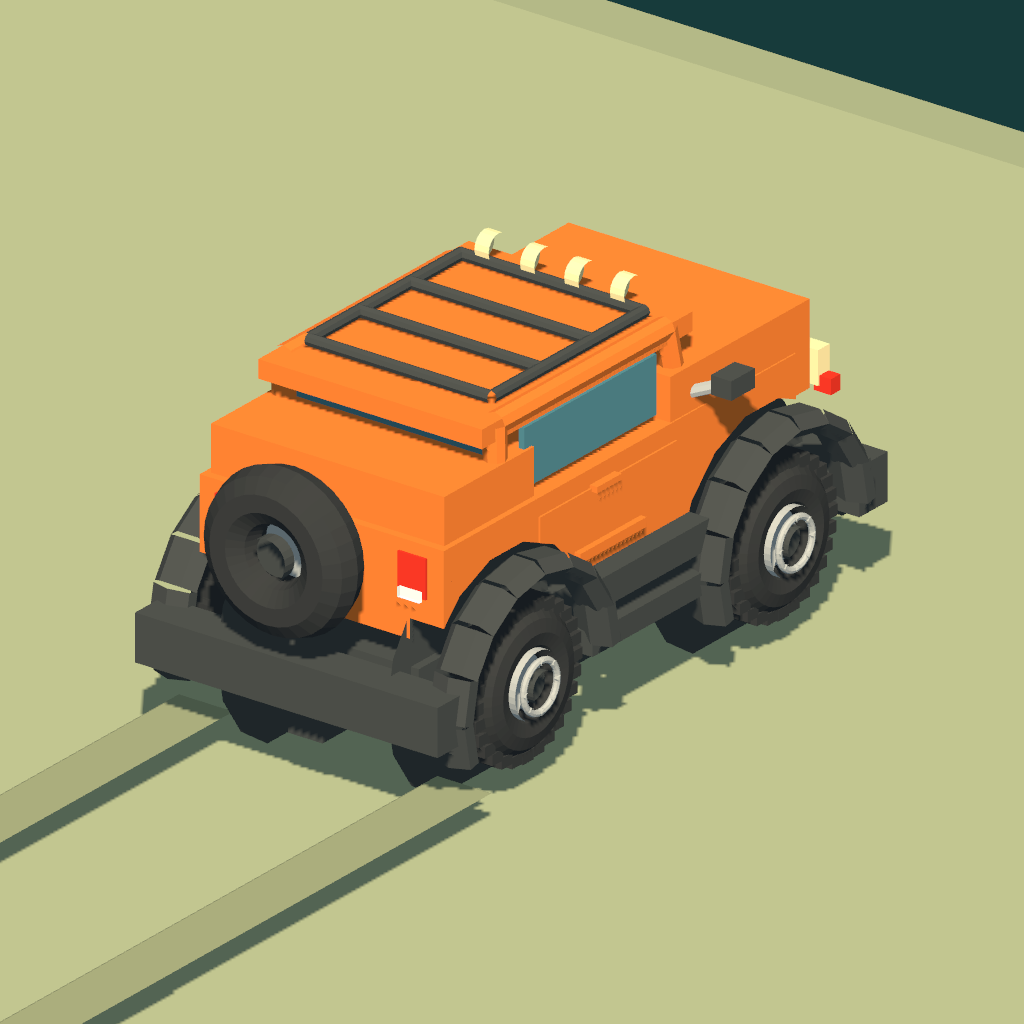
Use the left analog stick for throttle, reverse and steering. The right controls operate the brake and horn. Stop the vehicle, then hold and drag an empty area to orbit the camera. Pause to take a break or start a new world.
What can I do if the vehicle overturns?
The recovery screen lets you spend earned in-game coins, complete an optional rewarded ad for a recovery, or choose “Save result & end run”. Recovery needs clear ground nearby. If you have already earned an ad recovery but the ground is blocked, use “Use earned recovery” when a clear position is available.
Why is a recovery ad unavailable?
Ads need an internet connection and depend on availability and your privacy choices. Try “Load recovery ad” or try again later. An incomplete or failed ad does not grant a recovery and does not spend your coins. You can still use the coin recovery option when available or save the result and end the run.
Where are my records and replays stored?
Distance TOP 10, Coins TOP 10 and their saved driving replays are stored on your device. These are local leaderboards. Open your records and choose a replay from either board. Replays may be unavailable if their files were removed or require an earlier game content format. Deleting the app can remove local records and replays.
Does the game need an internet connection?
The driving world, local records and saved replays work on the device. Google AdMob ads and privacy messages need a network connection; rewarded recovery ads cannot be relied on while offline.
Where can I change advertising privacy choices?
When Google requires an entry point for your region or consent status, a “Privacy options” button appears on the pause, recovery and results screens. Open it to review or change the choices offered by Google. Available choices and ads depend on your region and device settings.
How do I report a bug or an ad problem?
Email the steps that caused the issue, your device model, iOS version and any message shown. For an ad problem, include whether it involved a banner or recovery ad and roughly when it happened. A screenshot or recording can help; remove personal information before sending it. If the game stops responding, close and reopen it, then restart your device if necessary.